What this workbook does
The Investment Portfolio Tracker summarizes holdings from manually entered shares, average cost per share, and current prices. It calculates market value, unrealized dollar and percentage gain or loss, and each holding’s allocation. It contains no live market-data connection and does not replace broker statements, tax-lot records, performance reporting, or a diversified investment plan.
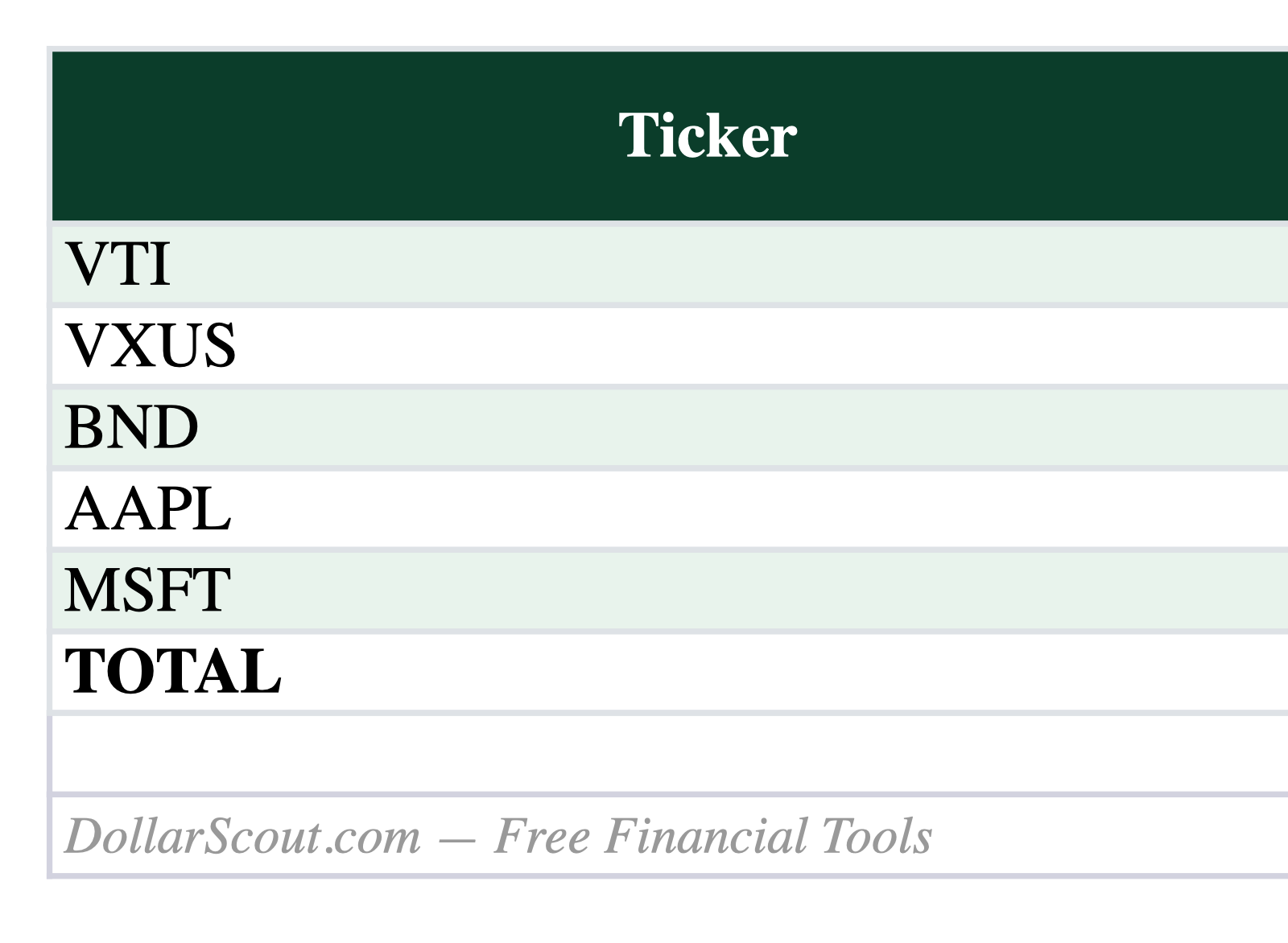
What is inside the download
The download is an .xlsx workbook with formulas but no macros, scripts, live bank connection, or automatic data feed. It opens in current desktop Excel and can be imported into Google Sheets. Importing can change formatting or formula behavior, so test the converted copy before depending on it.
The sample rows demonstrate the intended structure; they are not recommendations, current prices, tax conclusions, or a picture of a typical household. Save an untouched master, create a dated working copy, and replace every sample input that affects a result.
- Ticker and name: a human-readable identifier checked against the broker statement.
- Shares: units currently held as of the review date.
- Average cost per share: a simplified basis input, not lot-level tax accounting.
- Current price: a manual value with a recorded price date and source.
- Market value: shares multiplied by current price.
- Allocation: holding value divided by total portfolio value.
Input cells and formula cells are visually distinct where practical, but spreadsheet software still permits a formula to be overwritten. If a total stops changing after an input changes, compare the cell with the clean master.
How the calculations work
- Market value:
Shares × Current Price. - Unrealized gain or loss:
Market Value − (Shares × Average Cost). - Gain percentage:
Gain or Loss ÷ Simplified Cost. - Allocation:
Holding Market Value ÷ Total Market Value.
Spreadsheet outputs are estimates produced by the values entered. A mathematically correct formula can still give a misleading answer when a rate uses the wrong period, an account is omitted, a date is stale, or a category is counted twice.
Recalculate one sample independently with a calculator. Then change one input at a time and confirm the expected cells respond. This known-answer test is more useful than assuming that a polished workbook is correct.
Set up the template
- Download the workbook from this page and scan the file with current security tools if your device or organization requires it.
- Save a clean master copy in a private folder. Rename the working copy with the starting date or planning scenario.
- Read every header, note, and formula before deleting the fictional sample values.
- Enter values from current statements, contracts, bills, receipts, or official account records—not from memory when a document exists.
- Use one currency, date convention, and time period throughout the working copy.
- Reconcile the first completed period with the external records that the workbook is meant to summarize.
- Record material assumption changes in a note so the next review explains why the result moved.
Controls to review
- Reconcile units with the latest custodian statement.
- Date every price update and keep all holdings on one valuation date.
- Confirm cash and accrued income are handled consistently.
- Do not use average cost as a substitute for tax-lot basis.
- Check that allocation percentages sum to approximately 100 percent.
Do not hide a failed control by typing over a result. Correct the underlying input, extend the referenced range, or restore the formula from the clean master. If the workbook is shared, agree on who can change structure and who only enters data.
Limits of this template
The workbook does not adjust for deposits, withdrawals, dividends, splits, fees, currencies, taxes, or time-weighted performance. Gain and loss is unrealized and simplified. Broker basis can be incomplete after transfers, gifts, inherited property, wash sales, or return-of-capital adjustments.
The workbook does not provide financial, investment, tax, accounting, or legal advice. It cannot see information outside the file and cannot verify that an input is complete. Use official statements and current agency guidance for decisions, and use a qualified professional when the consequences or uncertainty justify it.
Privacy and file safety
The file needs no DollarScout account and sends no workbook data back to DollarScout. That does not make every storage location safe. Financial spreadsheets can reveal income, account balances, debts, addresses, vendors, or tax facts even when they contain no passwords.
Use a device and storage account you control, enable appropriate authentication, review link-sharing permissions, and remove unnecessary personal identifiers. Never place passwords, full payment-card numbers, authentication codes, or private keys in the workbook. If collaborating, share the minimum data and access needed.
Keep recoverable versions before importing transactions, sorting large ranges, or changing formulas. A synced deletion or mistaken paste can affect every device; synchronization is not the same as a versioned backup.
Update and review routine
Reconcile holdings monthly or quarterly and before rebalancing. Avoid turning a long-term allocation review into daily price checking. When a trade settles, update shares and cost records from the confirmation rather than from an order preview.
Archive a period only after reconciliation. If a projection differs from reality, preserve both numbers and document the cause rather than rewriting the old estimate. The variance is useful evidence for improving the next assumption.
Who this template fits
It fits an investor who wants a compact, manual allocation snapshot across a small number of conventional holdings. It is not appropriate as the only record for active trading, options, short positions, multiple currencies, partnership interests, or tax reporting.
It is a poor fit when the task requires automatic account aggregation, multi-user approval controls, audited books, specialized tax-lot accounting, or guarantees about future rates and returns. In those situations, use purpose-built software or professional support and treat this workbook only as a secondary check.
Final checklist
Before relying on a displayed result, confirm that:
- all sample values have been replaced or intentionally retained;
- every amount uses the same period and currency;
- formulas cover newly added rows;
- totals reconcile with the relevant external records;
- assumptions have a date and source;
- sensitive data and sharing permissions are appropriate; and
- the workbook result is being used as an estimate, not as evidence the underlying transaction occurred.
A useful spreadsheet makes its reasoning inspectable. The goal is not to create a perfect dashboard; it is to maintain a small, traceable model that makes the next financial decision clearer.